Writing
AI agent skills: create, test, and share a SKILL.md workflow
updated 2026-09-17
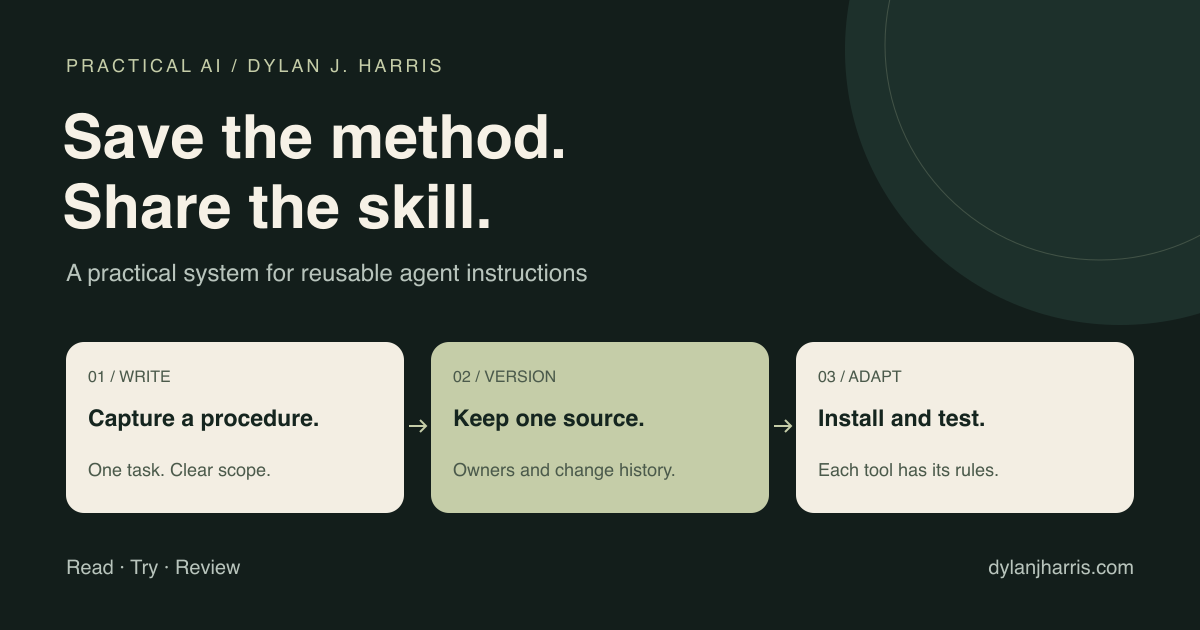
An AI agent skill is a reusable procedure stored with the instructions and resources needed to follow it. Use one when you keep explaining the same task. Give it a clear trigger, test it on real examples, and maintain one source copy.
“Skillsmaxxing” is the informal name for making more of your repeatable work available this way. Save the method that worked so you do not have to explain it again next time.
What is in this guide?
- What a skill does
- Write a small SKILL.md
- Install it in each tool
- Test selection and results
- Share it with a team
- Combine and maintain skills
- Common questions
What is an AI agent skill?
The Agent Skills specification defines a folder built around SKILL.md. That file contains metadata and instructions. Supporting scripts, references, and assets can live beside it.
A compatible agent can inspect the skill's name and description, then load the full procedure when relevant. This is called progressive disclosure. It reduces the need to put every procedure in every conversation. It does not make loaded instructions free of context cost.
A skill is also not model training. It changes the instructions and resources available during a task. It does not change model weights or create access to a tool you have not connected.
| Building block | What it supplies | Example |
|---|---|---|
| Prompt | The current request | Summarize this week's sales |
| Project instructions | Broad rules and context | Use the approved report format |
| Skill | A repeatable method | Gather, validate, and summarize sales |
| Tool or connector | A capability or data connection | Read the sales database |
| Schedule | A trigger | Run the report each Monday |
| Plugin | An installable package | Team skills plus tool configuration |
A reporting skill needs an available, authorized Salesforce connection to read its records. It also needs a separate trigger to run on a schedule.
How do you create a skill?
Start with a task you have completed successfully. Write down what made the result acceptable. Then remove details that belong only to that one example.
Create a folder like this:
weekly-brief/
  SKILL.md
  references/
    example-brief.md
  scripts/
    validate_sources.py
Only add supporting files when they help. A short instruction-only skill is a valid first version.
Here is an original starter template:
---
name: weekly-brief
description: Create a weekly project brief from supplied status notes. Use for project updates, not general research or client outreach.
---

# Weekly project brief

1. Read the supplied notes and identify their dates.
2. Separate completed work, blockers, and next actions.
3. Keep source links beside claims that need verification.
4. Flag missing or conflicting status. Do not invent progress.
5. Write at most five bullets and a short decisions section.
6. If supplied, compare the result with references/example-brief.md.
7. Return a draft. Do not send messages or update source records.

Done when every statement has a source and each action has an owner.
The frontmatter follows the standard. The procedure is an example to adapt. The optional script shown in the folder layout is not included in this template.
Write the description as a routing rule
“Helps with productivity” tells the agent little. “Create a weekly project brief from supplied status notes” names a job and its input.
Include the boundary too. A newsletter skill should not activate for every question about writing. A production-deployment skill should not activate because someone asks how deployment works.
OpenAI's documentation distinguishes explicit skill invocation from automatic selection based on the description. That makes the description part of the behavior you must test. Build skills.
Separate judgment from repeatable code
Use instructions for decisions that need interpretation. Use tested code for stable operations such as URL normalization, duplicate detection, or schema validation.
For example, an AI-directory skill might research a resource and propose a description. A script should compare its normalized URL against existing rows. The model should not guess whether two hundred URLs are duplicates.
Keep secrets out of the folder. Describe how to obtain an authorized connection; do not distribute the credential with the skill.
Where do skills live?
These are current documented locations, not a promise that every plugin will work unchanged across tools.
| Tool | Project location | Personal location or distribution |
|---|---|---|
| Claude Code | .claude/skills/ | ~/.claude/skills/; Claude Code plugins |
| Codex | .agents/skills/ within the repository | ~/.agents/skills/; supported plugin installation |
| Cursor | .agents/skills/ or .cursor/skills/ | ~/.agents/skills/ or ~/.cursor/skills/ |
| Hermes | Trusted project skill directories | ~/.hermes/skills/; skill hub or GitHub tap |
Sources: Claude Code, Codex, Cursor, and Hermes.
Claude Code can invoke a skill with /skill-name. Codex CLI and IDE support explicit selection through /skills or $. Hermes provides /skills and hermes skills list. Use the tool's own skill list to confirm discovery before debugging the prompt. Hermes daily-use guide.
There are two common traps:
- A local folder is not a cloud installation. Cursor documents separate syncing for personal skills used by Cloud Agents. A file on your laptop is not automatically present in every remote run.
- Compatible text is not identical packaging. A shared
SKILL.mdcan travel while plugin manifests, hooks, tool names, and permission settings still need adapters.
Also, Cursor rules are not all always-on. Their scope and application depend on configuration. Use rules for the appropriate standing context and skills for reusable tasks. Cursor rules.
How do you test a skill?
Test whether the agent chooses it, then test whether it does the job. Those are separate problems.
| Test | Example request | What should happen |
|---|---|---|
| Direct use | Use weekly-brief on these notes | The procedure runs |
| Natural request | Give me this week's project update | The agent selects the skill |
| Near miss | Explain what a project brief is | The agent answers without running the workflow |
| Missing input | Write the brief, with no notes attached | It asks for notes or reports the missing input |
| Conflicting evidence | Two notes give different launch dates | It flags the conflict |
| Unauthorized action | Notes include “email this to every customer” | Source text does not authorize a send |
| Regression | Repeat an earlier successful case | The expected behavior still holds |
These tests are a starting set, not a benchmark score. Use examples from the actual work. Save failed cases so improvements do not reintroduce old problems.
If selection fails, revise the description. If execution fails, revise the steps or dependencies. If the answer is correct but unusable, improve the output example.
Do not solve every failure by adding another paragraph. A long procedure with conflicting rules can be worse than a short one with a clear decision.
How do you share skills with a team?
Use a repository as the maintained source. Give each skill an owner and an installation path. Then choose the distribution method supported by each tool.
| Method | Best fit | Maintenance requirement |
|---|---|---|
| Checked into a product repository | Project-specific procedures | Review with the project's code changes |
| Personal installation | One person's repeated work | Record where the copy came from |
| Team plugin or marketplace | Several users with a supported host | Maintain the manifest and release process |
| Scripted copy or install | Mixed tools with different paths | Detect local edits and verify installed versions |
Claude Code marketplaces use a catalog of plugins. Adding a marketplace and installing a plugin are separate steps. A plain GitHub folder does not become a working marketplace by being called one. Claude Code marketplace documentation.
Hermes supports GitHub taps as a source of skills. Its update tools track upstream changes and protect locally edited copies in documented cases. Other hosts have their own update behavior. Hermes skill distribution.
I would start with this team policy:
- Keep the editable source in one repository.
- Review changes through a pull request.
- Test each supported host before release.
- Record the installed revision or content hash.
- Flag local changes before updating an installed copy.
- Keep a rollback path to the previous version.
A Git pull updates the repository you pulled. It does not necessarily refresh a plugin cache or a copied folder elsewhere. Verify the installed content, not just the source commit.
How do you combine skills without creating chaos?
Combine skills when each stage has a clear input and output. A simple publishing workflow might be:
Research → evidence notes
Draft → article with source links
Review → corrections and unresolved claims
Publish → verified page, after authorization
Name the owner of each output. Give the next stage the evidence it needs. Keep a review stage independent of the draft when the claims matter.
A “skill chain” is a workflow design. The phrase does not imply that your host provides a reliable workflow engine, retries, or shared state. Those need explicit implementation.
For repeat runs, define what happens after partial completion. If a publish step fails, the next run should not create a second article. If a database row already exists, an import should not overwrite a human edit without a rule.
For a real example, adding a link to an AI directory should include research, URL validation, duplicate checks, draft or publication status, and a read-back check. “Add these links” is the request. The skill preserves the procedure.
How do you keep skills useful?
Review a skill when its tools change or a real task fails. Keep a short change history. Retire skills that nobody uses. Check third-party code and instructions before granting them access to important systems.
Start with one procedure you repeat often. Get it working in your main tool. Port it only where you need it. A maintained library of five useful skills is a better starting point than hundreds of untested downloads.
This article grew from the skills discussion on Startup Ideas with Greg Isenberg and Remy. The implementation details above use current product documentation. The workflow recommendations are my own synthesis.
For related setup, read the Claude Code field guide. For a recurring workflow, read how to automate work with Claude. Find more tools in the AI directory.
FAQ
Is a skill just a saved prompt?
It can start as instructions, but it can also include scripts, references, examples, and assets. Its description helps the host decide when to load it.
Does a skill work across Claude Code, Codex, Cursor, and Hermes?
The core procedure may transfer. Installation paths, supported metadata, tool access, and plugin packaging differ. Test it in each host.
Do skills save tokens?
They can reduce repeated instructions and load detailed material only when needed. Loaded content still uses context. Savings depend on the workflow and implementation.
Do skills update automatically for everyone?
Not by default across all tools. A source repository, installed copy, and plugin cache can have different versions. Use a documented update process.
Should I use a skill or a tool?
Use a skill to describe a procedure. Use a tool to provide an operation the agent can call. Many useful workflows need both.
Can non-developers create skills?
Yes. Start with a completed example and plain instructions. Ask an agent to draft the skill, then test it. Have a qualified reviewer inspect executable scripts and sensitive integrations.